Design

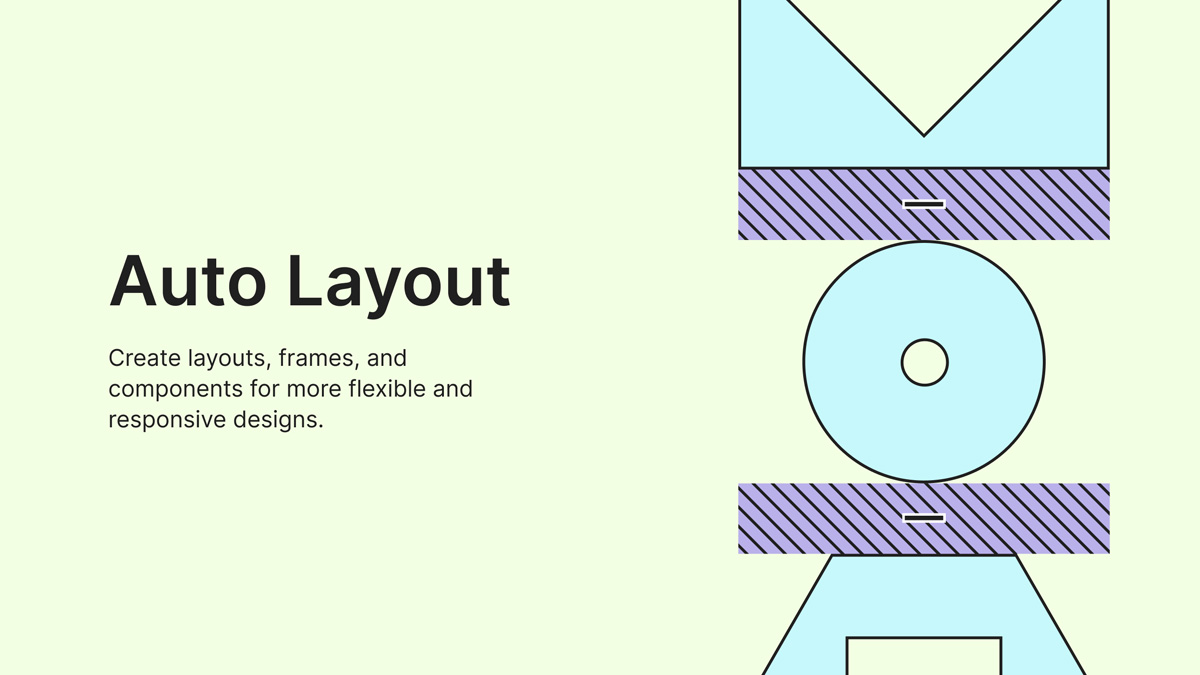
Figma is one of the most popular UI/UX design tools available today. Among its many powerful features, Auto Layout stands out as an essential tool for creating flexible, responsive, and scalable designs.
Auto Layout is a feature that automatically controls the spacing, alignment, and sizing of elements within a frame. When content changes, the layout adjusts dynamically, helping designers maintain consistency across their projects.
Auto Layout offers several advantages:
Choose the layers or objects you want to organize using Auto Layout.
Press Shift + A on your keyboard or click Add Auto Layout from the right-hand properties panel.
Select either a horizontal or vertical layout depending on how you want your elements arranged.
Set the spacing between items to create a clean and organized design structure.
Add padding around the content to improve visual balance and maintain design consistency.
Auto Layout is one of the most valuable features in Figma for modern UI design. By mastering Auto Layout, designers can create responsive, scalable, and professional interfaces while significantly improving workflow efficiency.
More articles
More notes on web performance, design systems, and the craft of building digital products.
3 mins read
WordPress hooks are one of the most powerful features of the WordPress development ecosystem. They provide developers with a way to customize and extend WordPress functionality without modifying the core files. Hooks act as connection points where custom code can be executed during specific events or processes within WordPress.
Access all our articles in one place.
View articles



Comments
No comments yet. Be the first to comment.
Sign in to join the discussion